Turn Every Room Into a Smart Collaboration Space
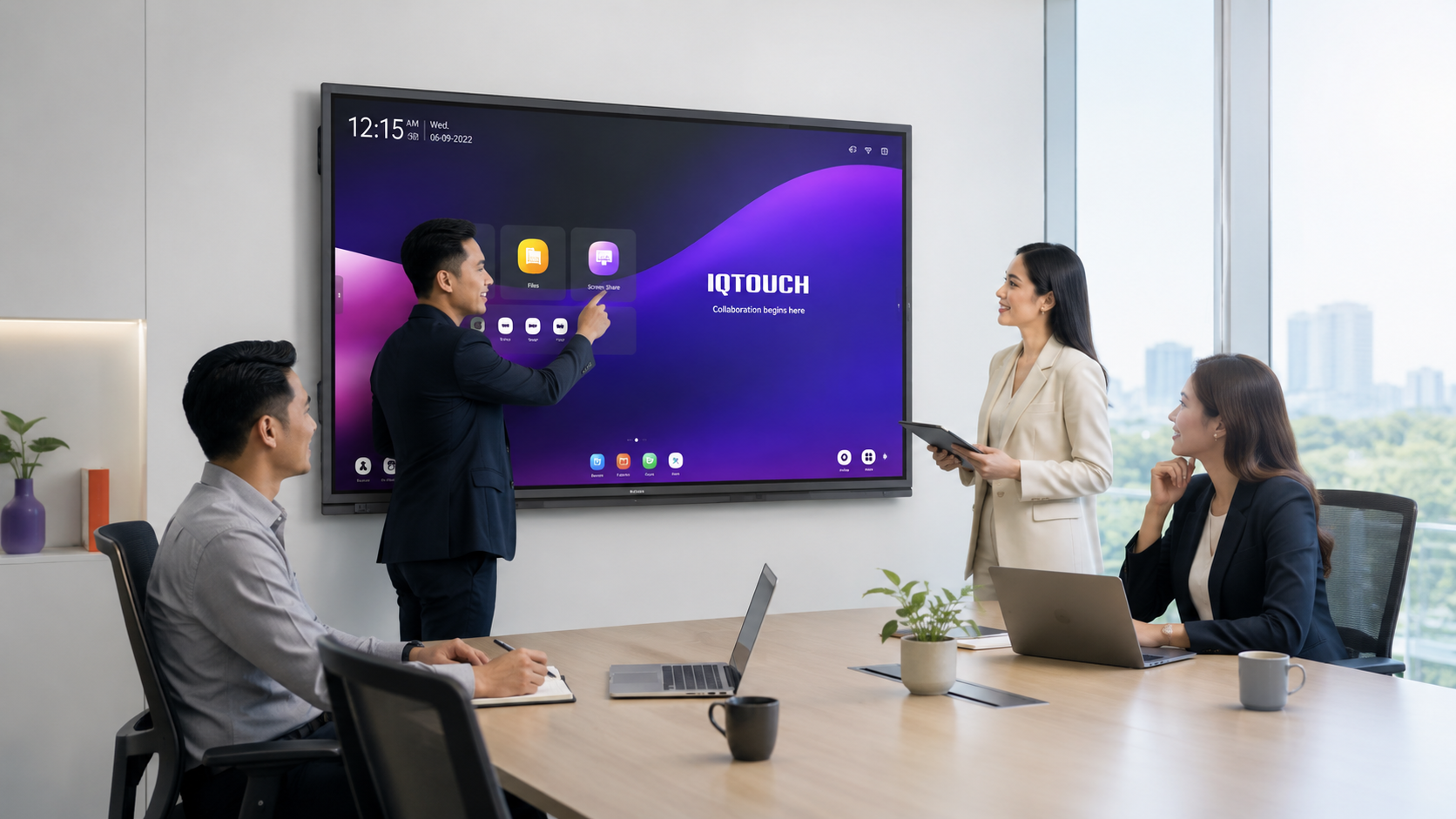
IQTouch QA1400 Pro combines AI-powered video conferencing, wireless screen sharing, and lecture capture in one Google EDLA-certified display. It comes in five sizes, from 65″ to 110″, and fits offices, campuses, and schools across Malaysia. AI HCM Technology Sdn. Bhd. supplies, installs, and supports every setup locally
Trusted by Growing Companies in Asia












Interactive Display Solutions We've Deployed for Meetings and Teaching
Real projects, real results. See how we replace projectors, cables, and standalone AV equipment in classrooms and boardrooms.
All-in-one smart classroom
Display, teaching software, and AV control in one connected system.
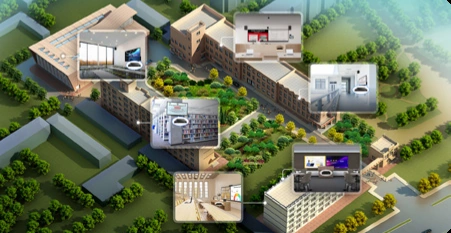
Unified school management
Manage devices and content across every classroom from one dashboard.
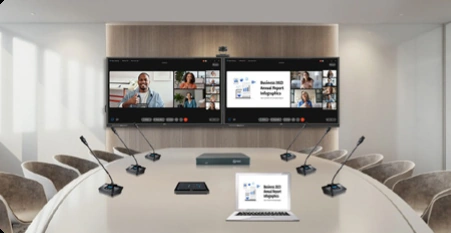

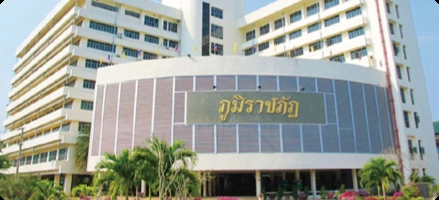
Uttaradit Rajabhat University
Campus-wide smart classroom rollout across multiple faculties.

Kwame Nkrumah University of Science and Technology
Interactive displays deployed for lecture halls and administration.
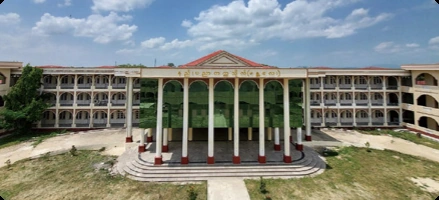
Myanmar Ministry of Education project
Nationwide classroom technology rollout with the Ministry of Education.
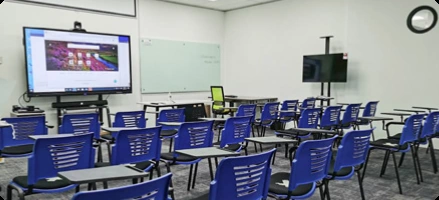
University Malaysia of Computer Science and Engineering
Smart classroom deployment supporting hybrid and in-person teaching.
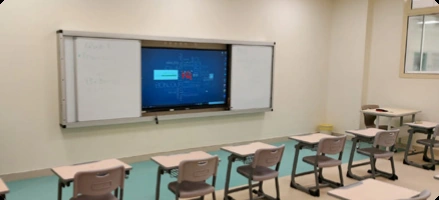
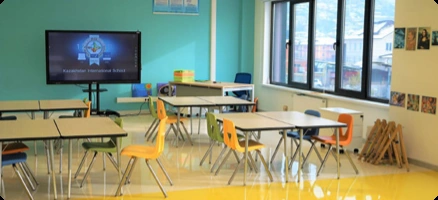
Kazakhstan International School
Interactive learning displays installed for K-12 classrooms.
Meetings start 10 minutes late
Hunting for the right cable and adapter every single session while everyone waits for the screen to finally show up.
Hybrid meetings feel broken
Remote participants can’t hear clearly or see the whiteboard, so half the room disengages within minutes.
Too many separate AV devices
Projector, speaker, camera, and screen from different vendors mean different warranties and no single point of support.
Classrooms still depend on projectors
Dim, washed-out images that need the lights off, plus bulb replacements and constant recalibration.
Lessons disappear after class
Nothing is recorded, so students who miss a session have no way to revise the actual lecture.
Announcements never reach everyone
Campus-wide information relies on notice boards and group chats instead of the screens already installed in every room.
One Integrated Interactive Display Solution for Meetings and Teaching
Everything you need to replace projectors, cables, and standalone AV equipment in one connected system that works for both boardrooms and classrooms.
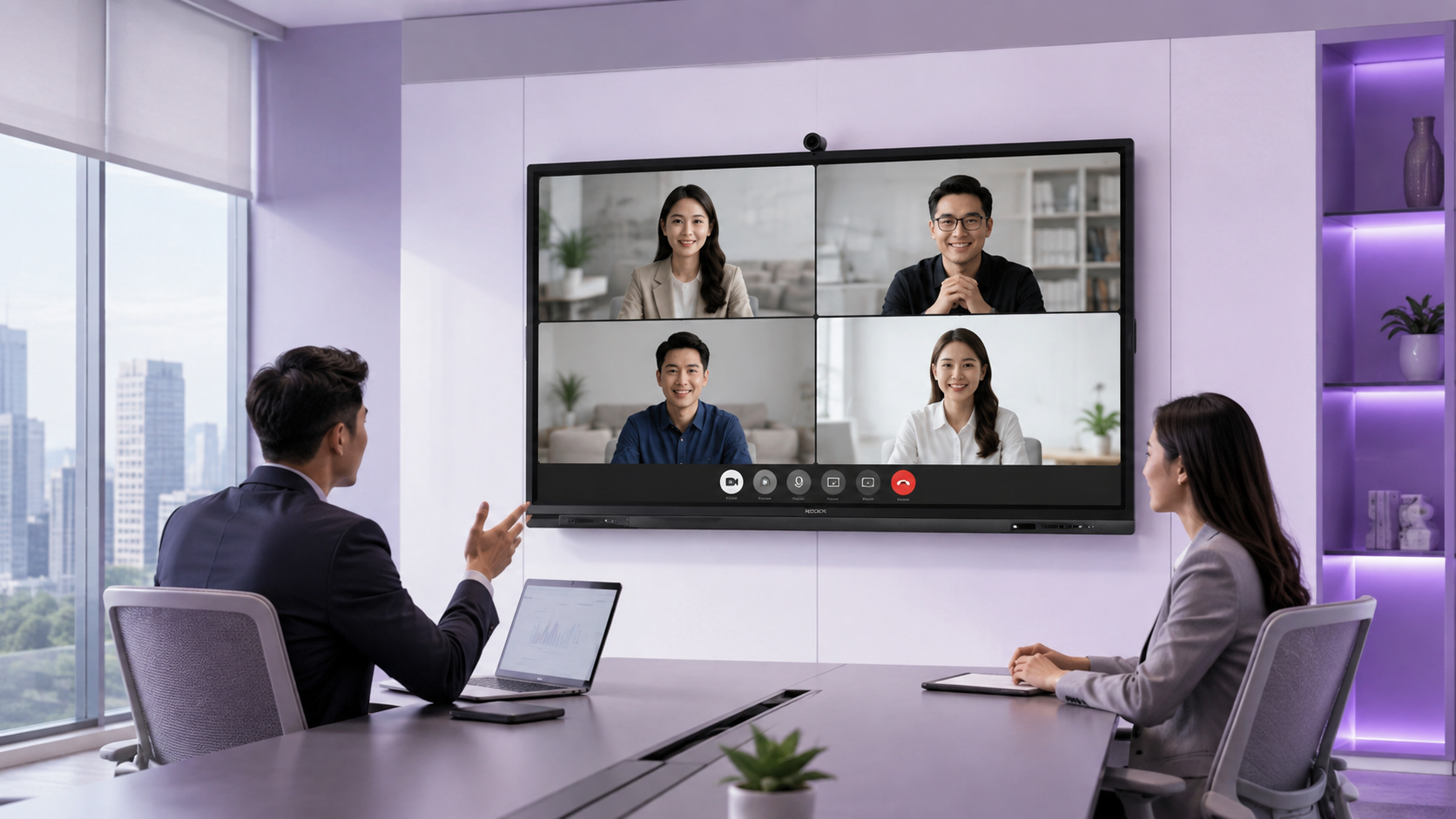
Audio Video Conferencing
QA1400 Pro’s 64MP AI camera auto-frames every speaker, with 8 far-field microphones and built-in BYOM. Connect straight to Zoom, Teams, or Google Meet, no external webcam needed.
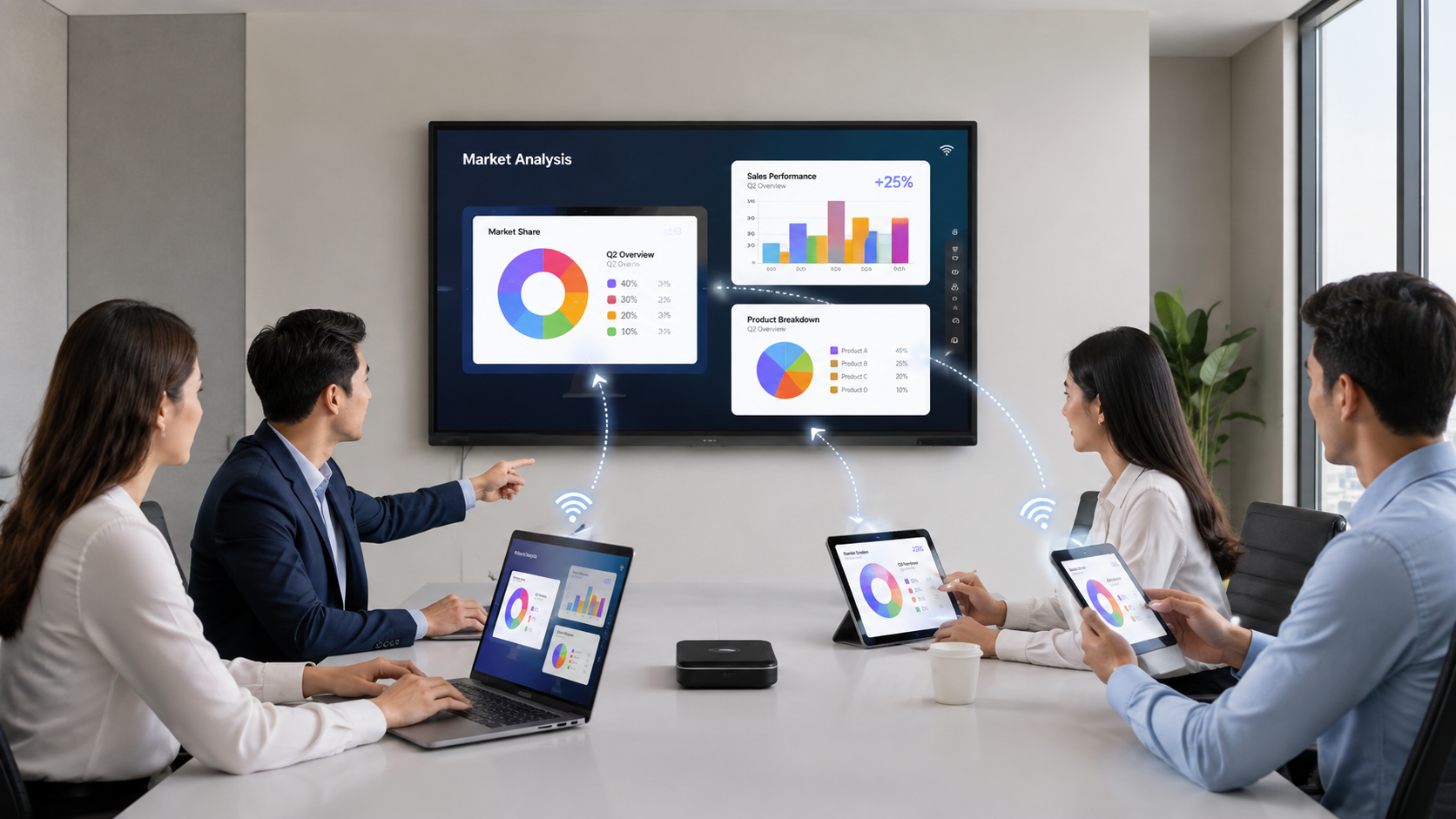
Wireless Presentation (BYOD / BYOM)
One USB-C cable handles touch, charging, and 4K video, or go wireless with the IQShare Button C5. Laptops, tablets, and phones connect in seconds.
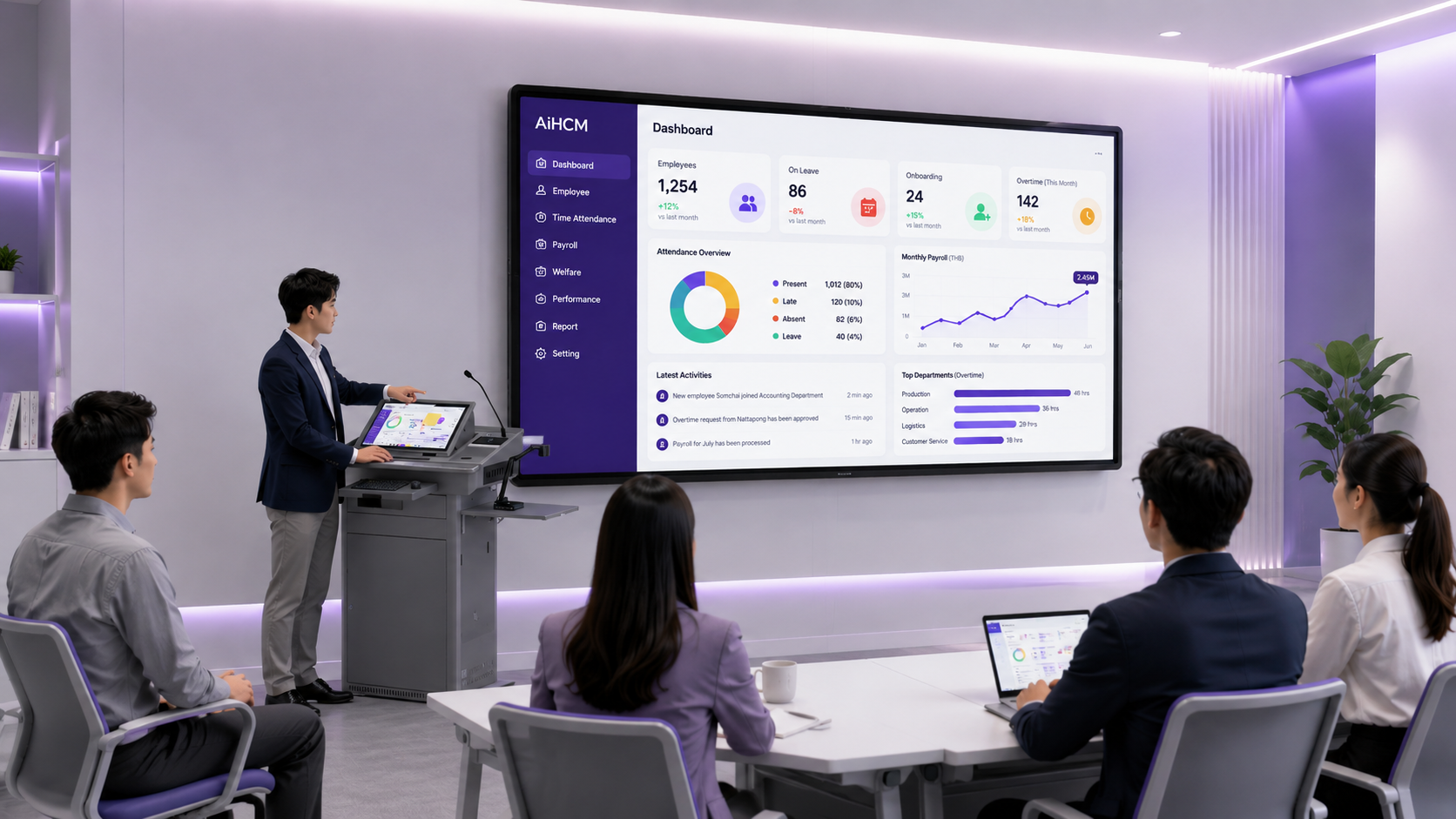
Interactive Board + Smart Podium (2+1 Screen)
QA1400 Pro’s zero-bonding touch writes like paper, even with a palm resting on the screen. Pair it with a podium display for dual-screen teaching, and control who can cast with Moderator Mode.
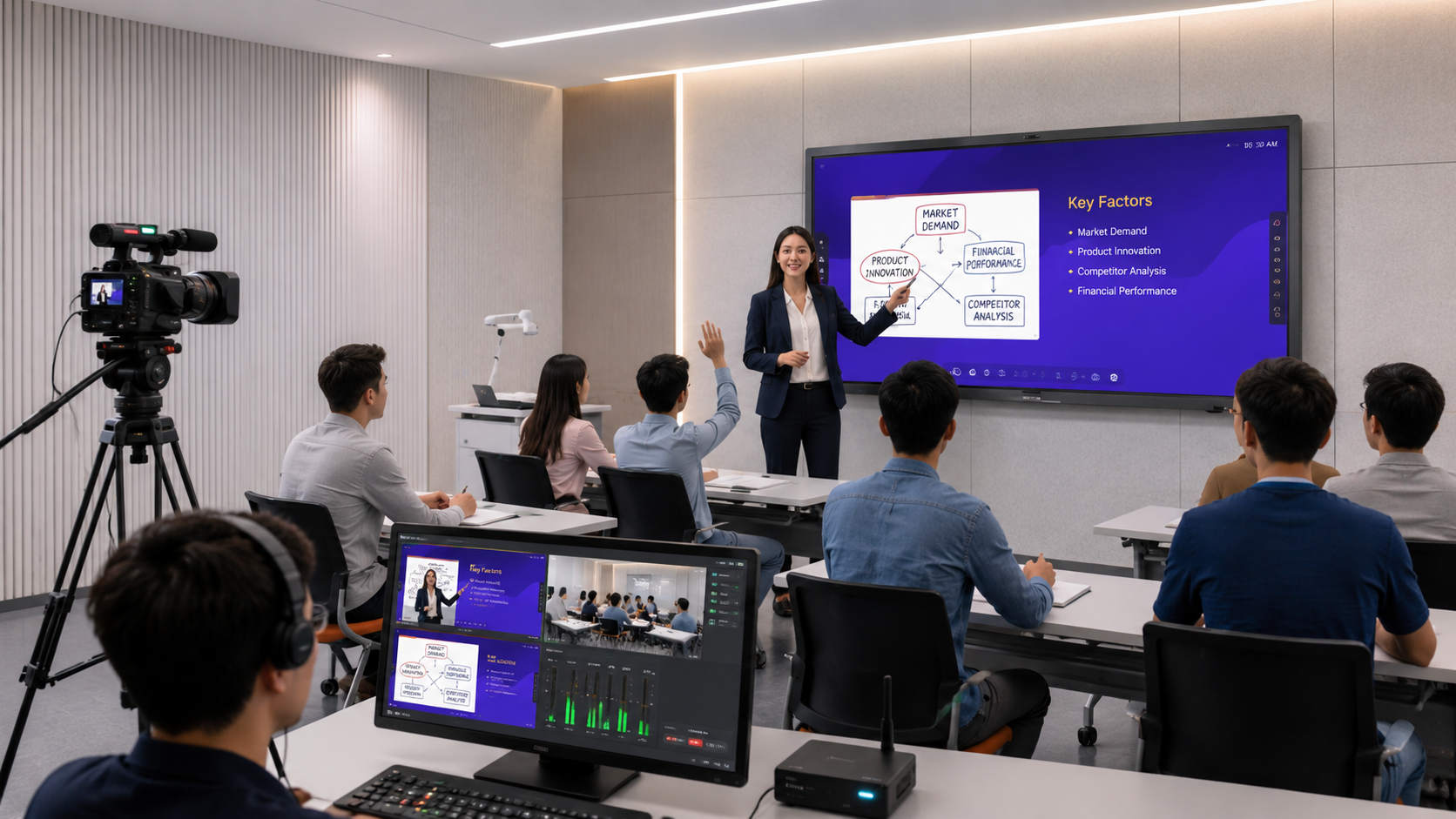
Lecture Capture & AV-over-IP
Broadcast and Webcast stream any session live from a browser, no app needed. Remote Device Management
What Changes After Installation
From faster meeting starts to lower AV spending, every feature is built to
reduce cost, save time, and lift engagement.
Meetings Start On Time
Wireless casting removes the cable scramble
and cuts setup to under a minute.
Lower Total AV Cost
QA1400 Pro replaces the projector, whiteboard, speaker, and conferencing kit in one unit. Fewer contracts, one supplier.
Higher Classroom Engagement
Zero-bonding 50-point touch responds like paper, even with a palm on screen, so annotation stays natural and students stay engaged.
Lessons Available On Demand
Recorded sessions give students unlimited revision access
and reduce repeat teaching workload.
Centralised Control & Security
Google EDLA-certified Android 14 and Remote Device Management give IT both the security standard and the dashboard to manage every room.
Scales Room by Room
Five sizes, from 65″ to 110″, mean the same platform fits a huddle room and a full auditorium. Start with one room, expand on the same standard.
From First Call to Fully Working Room in 4 Steps
No guesswork on sizing, mounting, or integration our team handles the technical decisions with you.
We measure your room, lighting, and existing AV setup
You get the right screen size, mount, and accessory list with pricing
We install, connect to your network, and test with your platform
Your team is trained on-site, with local warranty and technical support
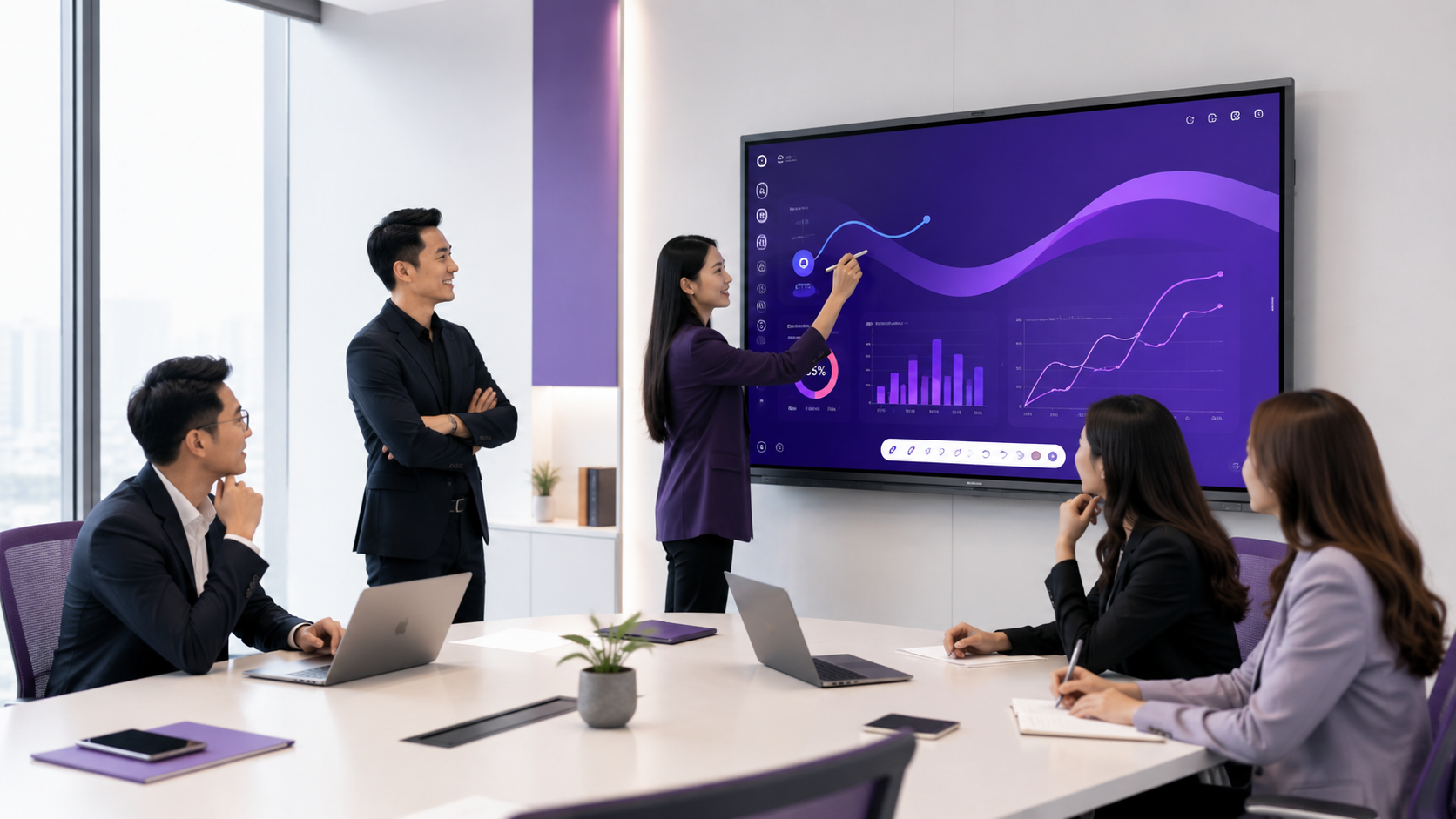
Supplied, Installed, and Supported by One Local Team
With over 20 years of deployment experience in Asia Pacific, AI HCM supplies and installs interactive display systems for offices, campuses, and schools across Malaysia. Every deployment is handled end to end, without a chain of separate vendors, and starts with a site survey, because the right screen size depends on the room, not the catalogue. Displays, conferencing, podiums, and accessories all come from one supplier, so you get one configuration standard, one warranty, and one team to call. Ongoing technical support and on-site training are included with every installation.
Languages Supported
Global Strategic Partners
Project Delivered Worldwide
People Using the Platform
Frequently Asked Questions About Interactive Displays
Everything Malaysian offices and schools ask before upgrading their rooms.
An interactive display like the IQTouch QA1400 Pro is a touch-enabled digital screen that combines video conferencing, wireless screen sharing, annotation, and collaboration tools in one device. It replaces projectors, whiteboards, and separate AV equipment.
Both. QA1400 Pro comes in five sizes, from 65″ huddle rooms to 110″ auditoriums, so you can start with one room and expand later.
Yes. QA1400 Pro’s built-in BYOM connects straight to Zoom, Teams, or Google Meet, and participants can run meetings from their own device.
Yes. BYOD wireless casting, through the IQShare Button C5 or a USB-C cable, works with laptops, tablets, and smartphones without installing cables or dongles at every seat.
QA1400 Pro comes in five sizes, from 65″ to 110″, selected based on room depth and seating layout. We recommend the right size during the free site survey.
Let's Design the Right Setup for Your Rooms
With 20+ years of technology deployment experience across Asia Pacific, our team helps Malaysian offices and educational institutions choose the right display configuration, install it properly, and keep it running.
From a single meeting room to a full campus AV-over-IP rollout, AI HCM delivers interactive display solutions that are practical to operate and supported locally.
From site survey and configuration to installation, integration, and user training — handled by one team.
Configurations tuned for boardrooms, training rooms, lecture halls, and classrooms.
On-the-ground warranty, spare parts, and technical assistance from Petaling Jaya